n8n
Use SIRAYA Model Router models from n8n workflows. n8n connects to thousands of apps, so you can combine SIRAYA Model Router's model routing with CRMs, spreadsheets, messaging, and more to automate tasks.
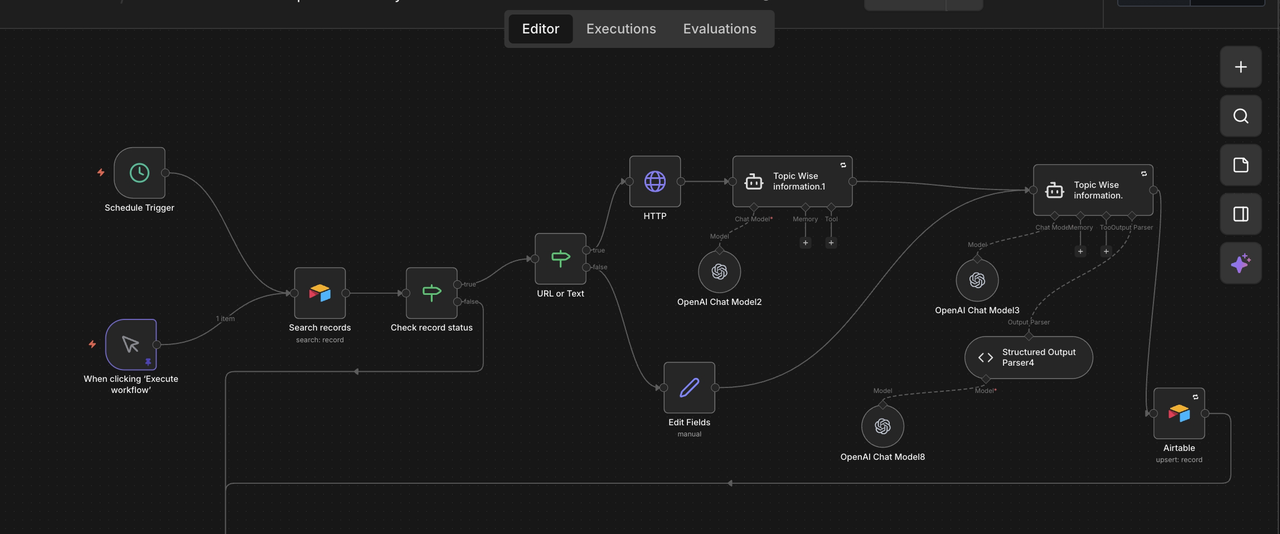
Set up your Integration
SIRAYA Model Router exposes an OpenAI-compatible API, so you can call it from n8n's HTTP Request node.
1. Get your API key
Create an account and get your API key.
2. Create a credential in n8n
- In n8n, create a new credential of type Bearer Auth (under Generic Credential Type).
- Paste your
<API_KEY>as the token and save.
3. Configure the HTTP Request node
Add an HTTP Request node and set:
| Field | Value |
|---|---|
| Method | POST |
| URL | https://llm.siraya.ai/v1/chat/completions |
| Authentication | Generic Credential Type, then Bearer Auth |
| Bearer Auth | the credential from step 2 |
| Send Body | on, Body Content Type JSON |
Use a JSON body like this (pick any model ID from the model list):
{
  "model": "gpt-5.4",
  "messages": [
    { "role": "user", "content": "What is the meaning of life?" }
  ]
}
The reply text is in choices[0].message.content of the node output.
Using SIRAYA Model Router in n8n
Once the node works, you can use SIRAYA Model Router in your workflows to:
- Generate content with models like GPT, Claude, or Gemini
- Analyze data by feeding in records from your other n8n nodes
- Process images with vision-capable models
- Create structured outputs with JSON mode and function calling
See the Chat Completions API for the full list of request parameters.