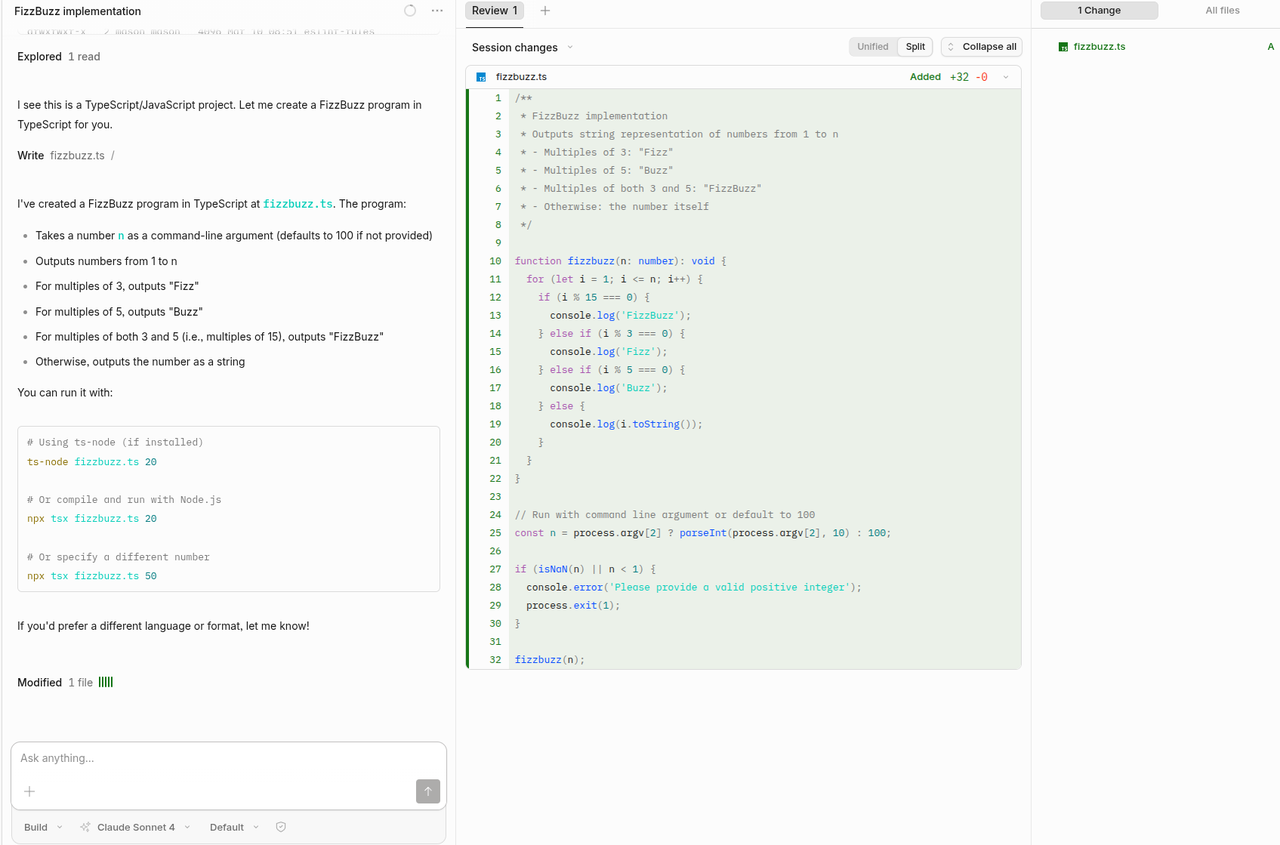
OpenCode
Account & API Keys Setup
The first step to start using SIRAYA Model Router is to create an account and get your API key.
Installation
Install the OpenCode CLI with the one-line installer:
Verify with opencode --version, then launch it with opencode.
Full docs: opencode.ai/docs
Setup guide
SIRAYA Model Router powers model access via its OpenAI-compatible API. In OpenCode you add it as a custom OpenAI-compatible provider.
Option 1: Add the provider in the UI
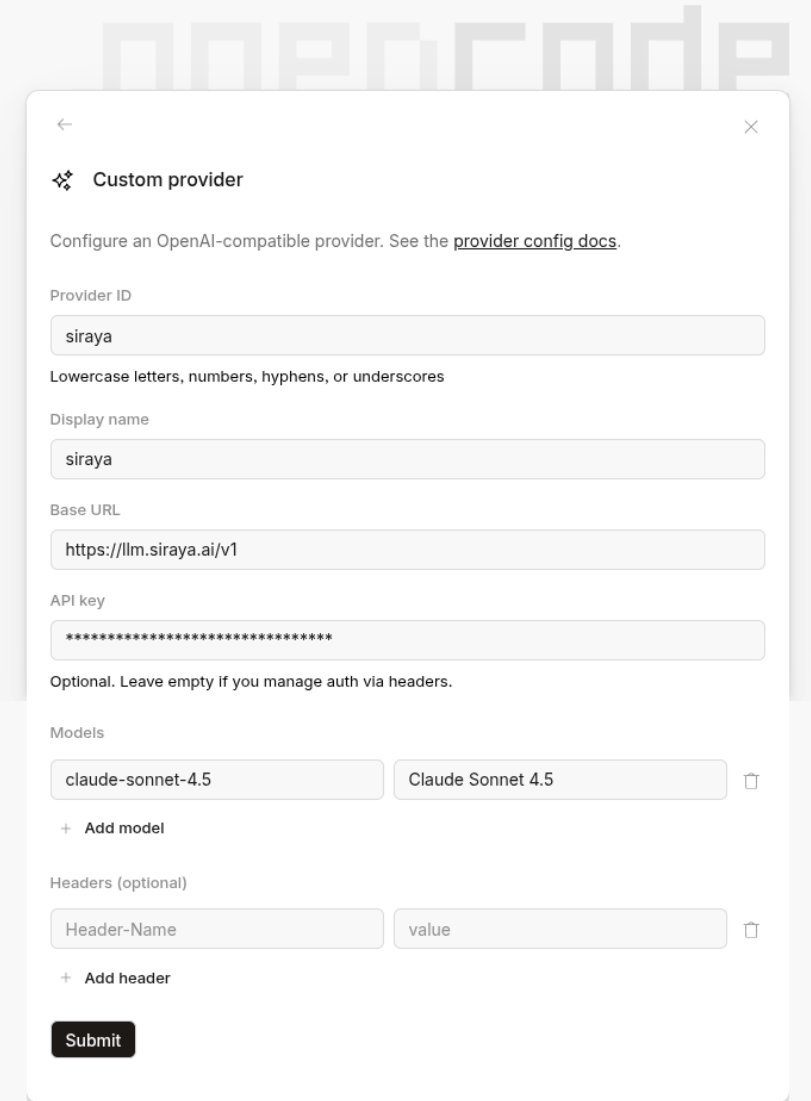
Run /connect, choose Other at the bottom of the provider list, and fill in the Custom provider form:
| Field | Value |
|---|---|
| Provider ID | siraya |
| Display name | siraya |
| Base URL | https://llm.siraya.ai/v1 |
| API key | <API_KEY> |
| Models | ID claude-sonnet-4.5, name Claude Sonnet 4.5 |
Option 2: Configure opencode.json
Alternatively, run /connect, choose Other, enter the provider ID siraya and paste your API key. Then declare the provider in your opencode.json:
{
  "$schema": "https://opencode.ai/config.json",
  "provider": {
    "siraya": {
      "npm": "@ai-sdk/openai-compatible",
      "name": "SIRAYA Model Router",
      "options": {
        "baseURL": "https://llm.siraya.ai/v1"
      },
      "models": {
        "claude-sonnet-4.5": {
          "name": "Claude Sonnet 4.5"
        }
      }
    }
  }
}
Add any other model ID from the model list under models.
Basic Usage
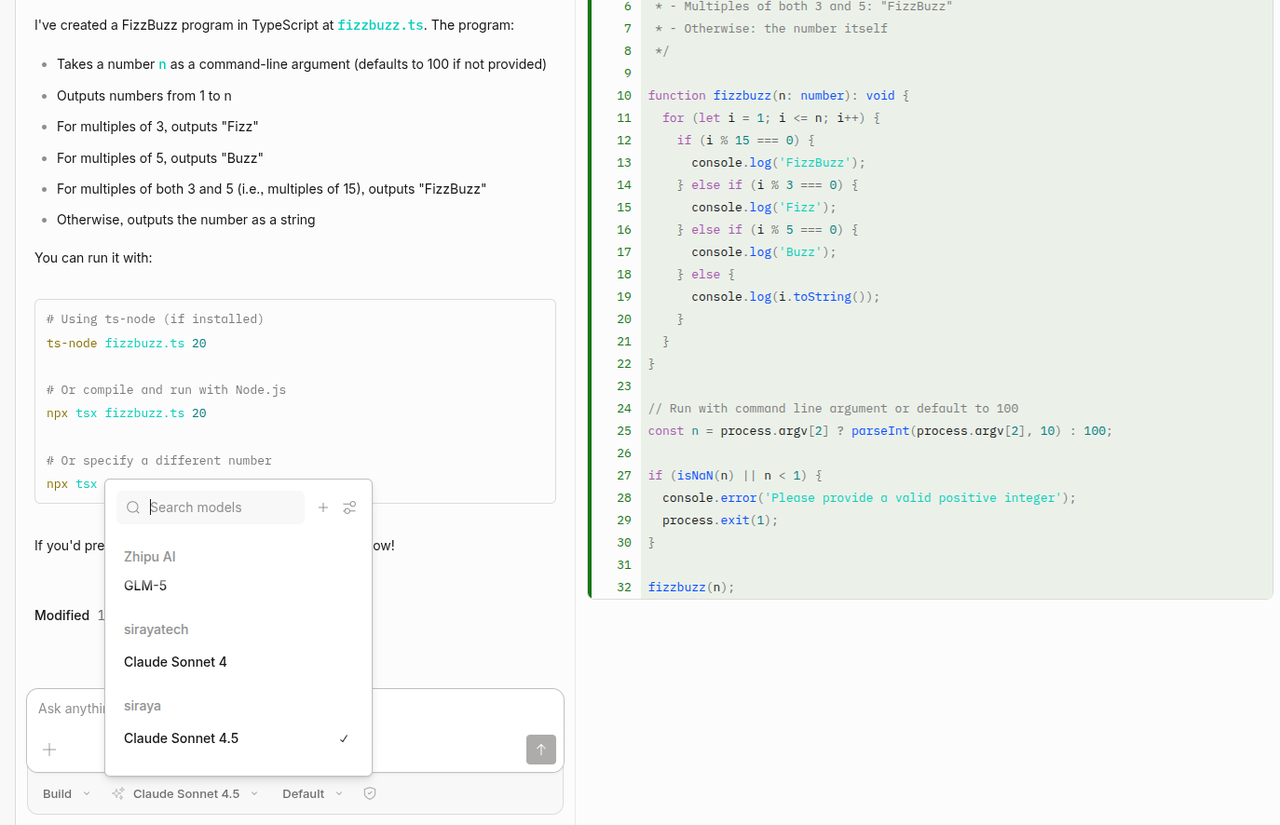
Run opencode in a repo and use /models to select a SIRAYA Model Router model (for example Claude Sonnet 4.5 under the siraya provider).
/connect: Add a provider./models: List and select models./init: Scan the repo and create anAGENTS.mdfor the project.